Have you ever encountered the issue of the screen becoming too bright while enjoying Instagram Stories or Reels? This often occurs when viewing videos shot on an iPhone. Here, we introduce settings to resolve this issue.
How to Disable HDR Video Playback
To solve the brightness issue on Instagram, first review the settings within the Instagram app. Open the app, select 'Settings and Privacy' from the menu bar in the top right, then choose 'Media Quality' and turn on 'Disable HDR Video Playback'. This will prevent the screen from becoming too bright when playing Stories or Reels on Instagram.
How to Shoot Videos Without Excessive Brightness
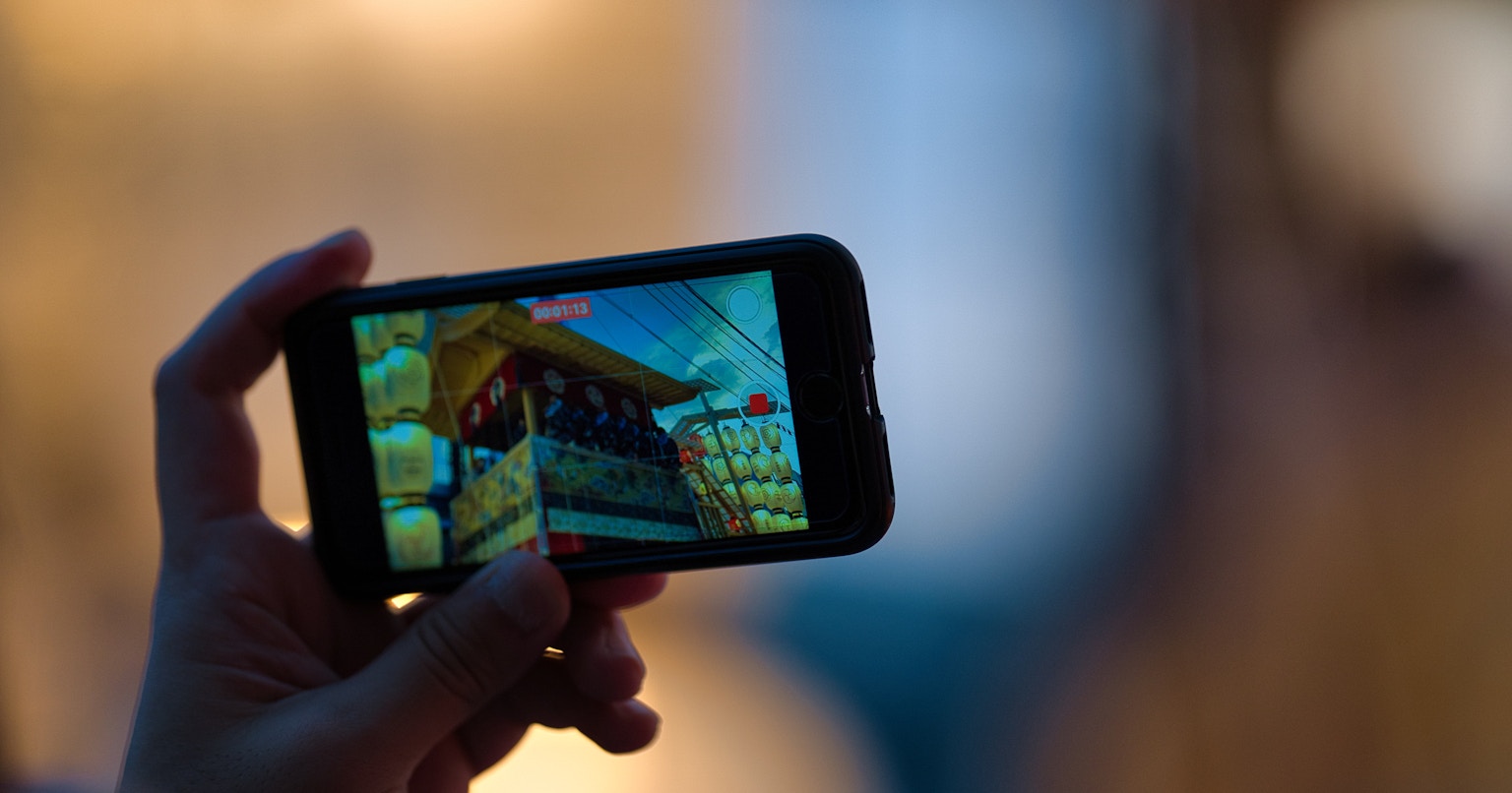
Besides adjustments on the receiving end, you can also approach it from the delivering side. Try turning off the HDR video feature when shooting with an iPhone. Go to the 'Settings' app, select 'Camera', and open 'Record Video'. By turning off 'HDR Video', you can prevent videos from becoming too bright and capture them with more natural colors. It's especially beneficial to keep HDR off when shooting moving subjects.
Differences Between SDR and HDR
Understanding the differences between SDR and HDR can also be helpful in solving this issue. HDR technology allows for a wider range of brightness, making images appear more realistic and vivid. However, playing HDR content on non-HDR devices can result in color abnormalities. Reviewing these settings can enhance your Instagram experience. Give it a try!