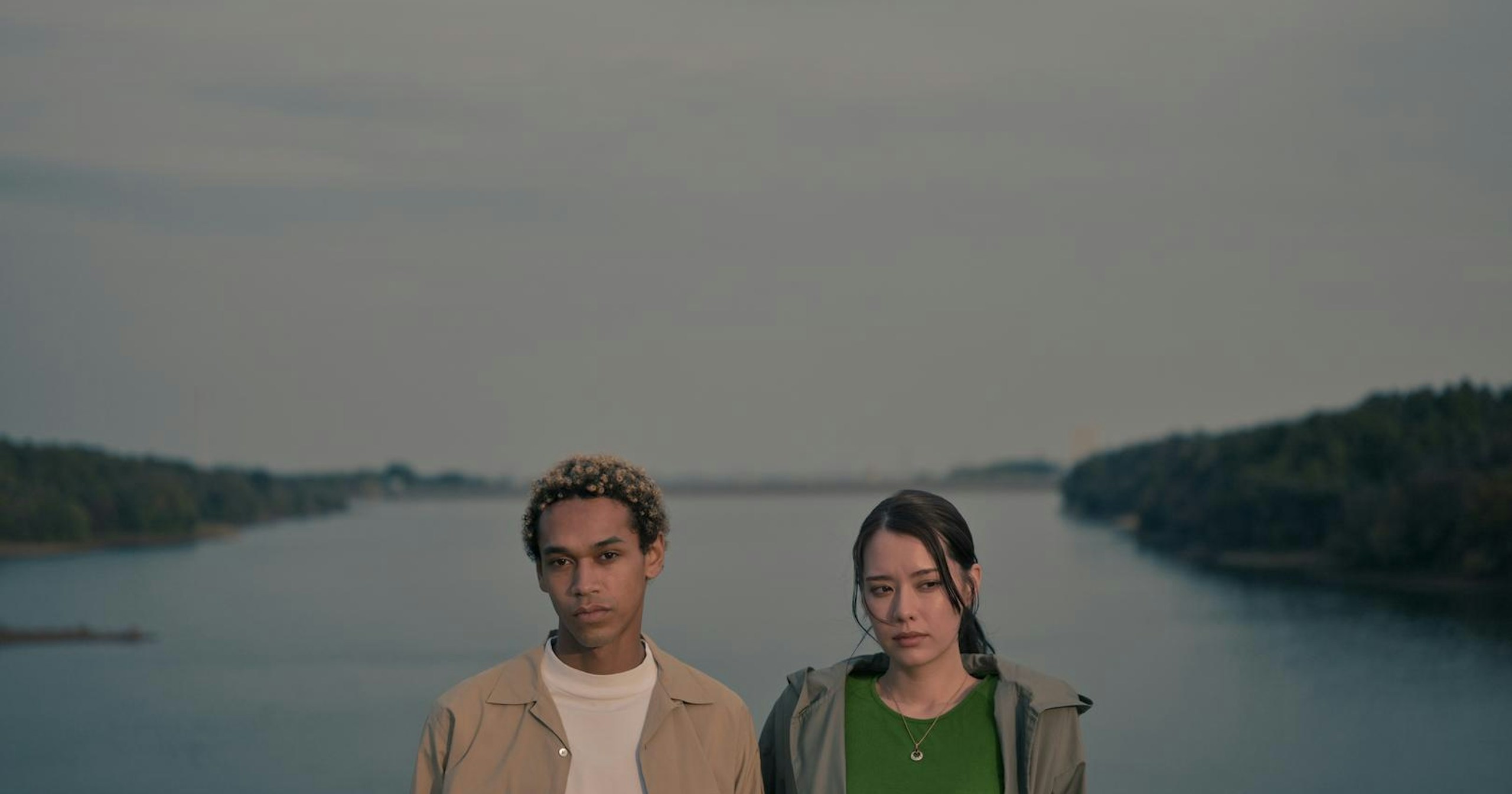
Want to add more depth and storytelling to your photos and videos?
Nikon's 'Imaging Recipes' makes it possible. In collaboration with RED, nine cinematic presets have been added for free to Z-series compatible models.
From soft, nostalgic tones to cool, edgy colors, this feature allows you to apply diverse color styles during shooting. In this article, we’ll explore its appeal and how to make the most of it.
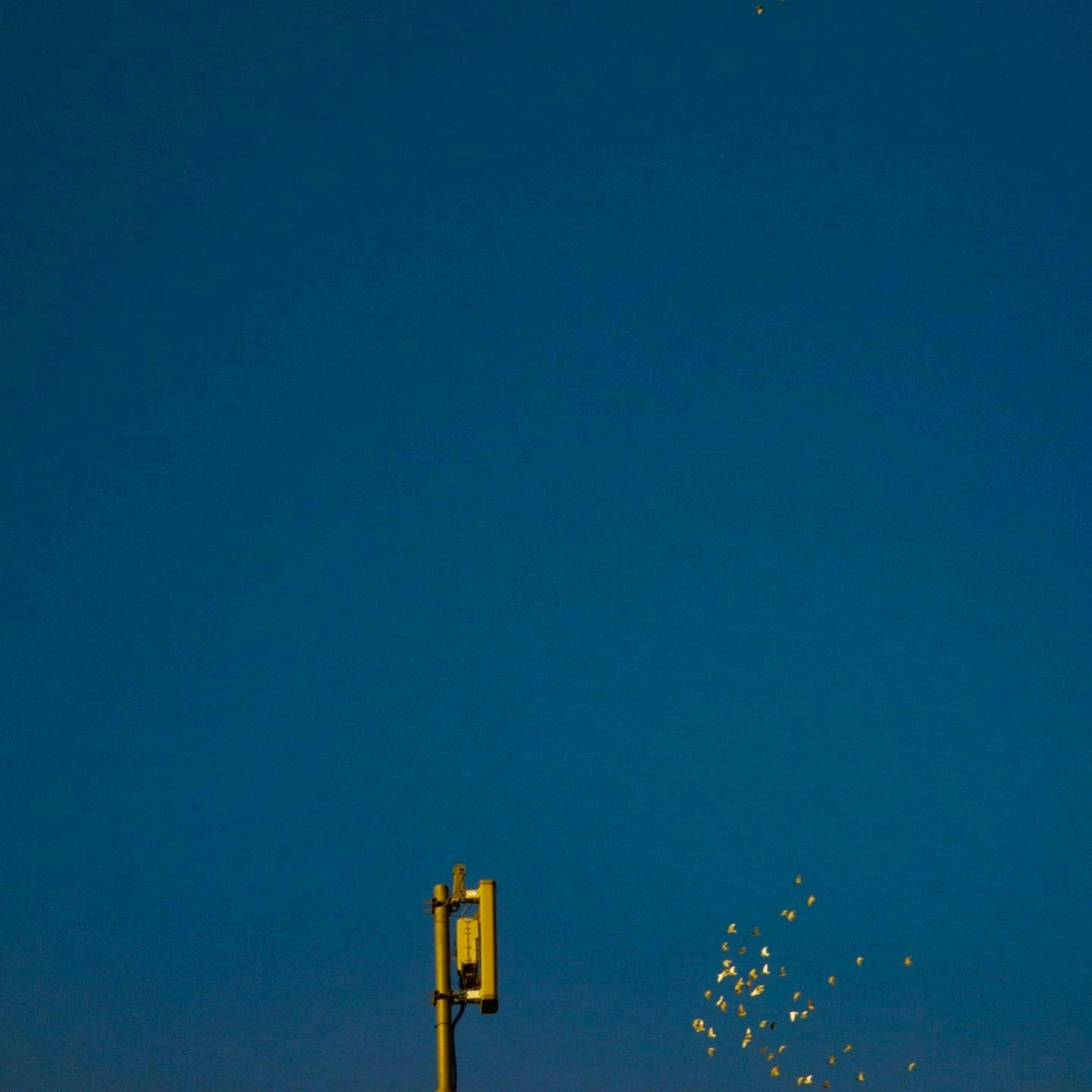
Photo by Shimakou
Cinematic Colors at Your Fingertips: RED-Supervised CineBias Series
The 'CineBias' series, incorporating RED's color science, offers nine color recipes that bring the cinematic look developed in film production to your photos and videos.

©︎ Nikon
With options like the teal-toned 'CineBias-T,' the textured 'WC Grit and Glow,' and the desaturated 'BleachBypass,' you can create a cinematic atmosphere with just one click. No editing software is required, significantly streamlining your post-shoot workflow.
Easy Setup: Pre-Set Your Ideal Colors Before Shooting
Setting up your camera is simple: select a recipe from the Nikon Imaging Cloud and transfer it directly via Wi-Fi. It’s also compatible with the SnapBridge app, allowing you to operate it from your smartphone.
You can save up to nine presets and switch between them with a single touch, making it convenient for different scenes. Adjust colors and textures in detail before shooting to achieve your desired results instantly.
Transform Your Photos into Cinematic Scenes
By simply selecting a preset, landscapes and everyday moments can transform into scenes straight out of a movie. For instance, 'Achromic' emphasizes shadows in backlit portraits, while 'Offset' adds a sense of stillness to foggy mornings or overcast landscapes.

©︎ Nikon
Choosing a recipe is about deciding 'how you want to present' your shot before taking it. Select colors that resonate with your vision and infuse your photos with a story.