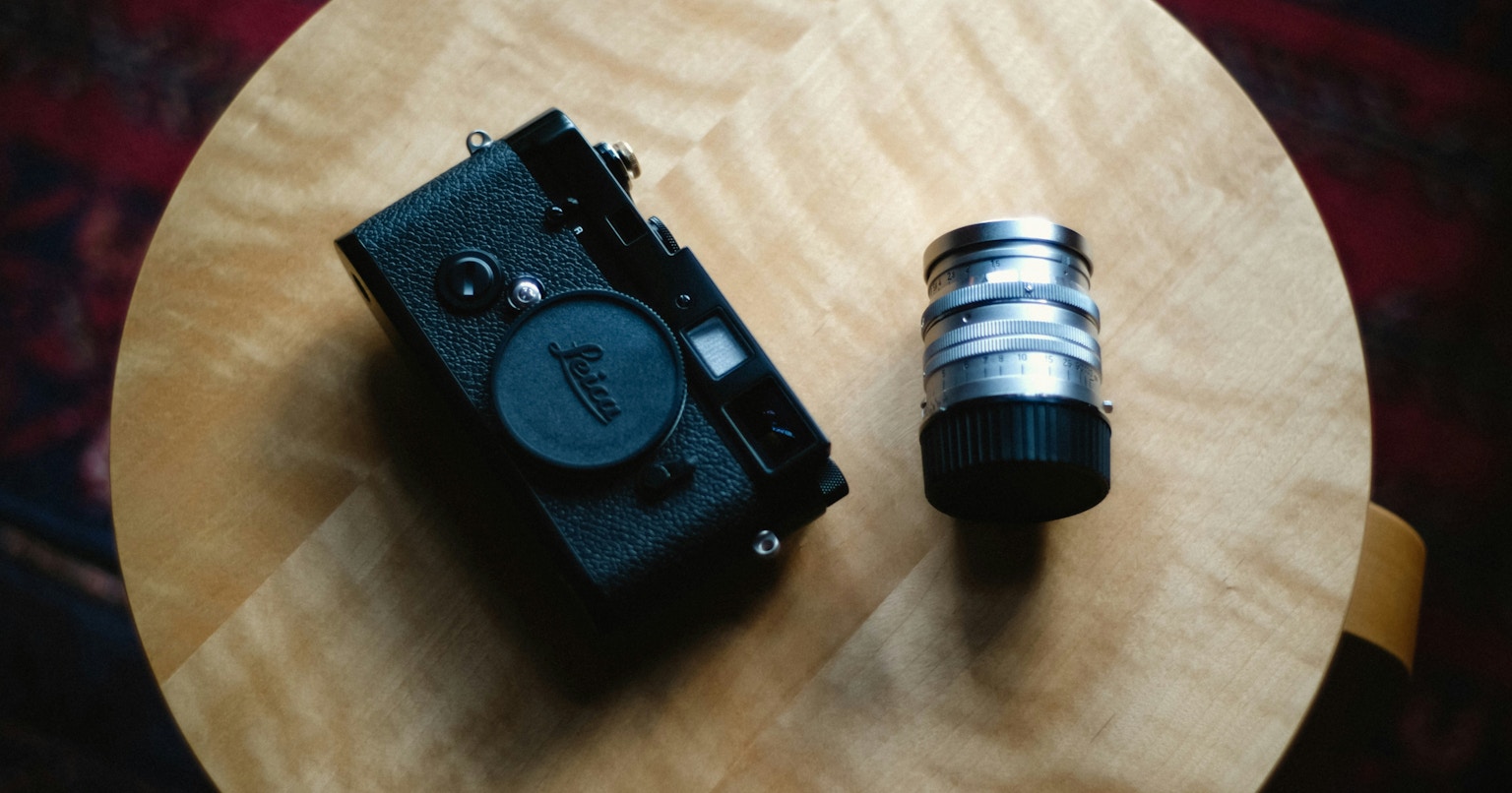
Cameras are crucial companions that bring our creativity to life. However, neglecting dirt and dust can not only affect your photography but also shorten the lifespan of your equipment.
This guide introduces easy methods for cleaning your camera and lenses. We explain the necessary tools and specific steps to help you maintain your valuable equipment in optimal condition.
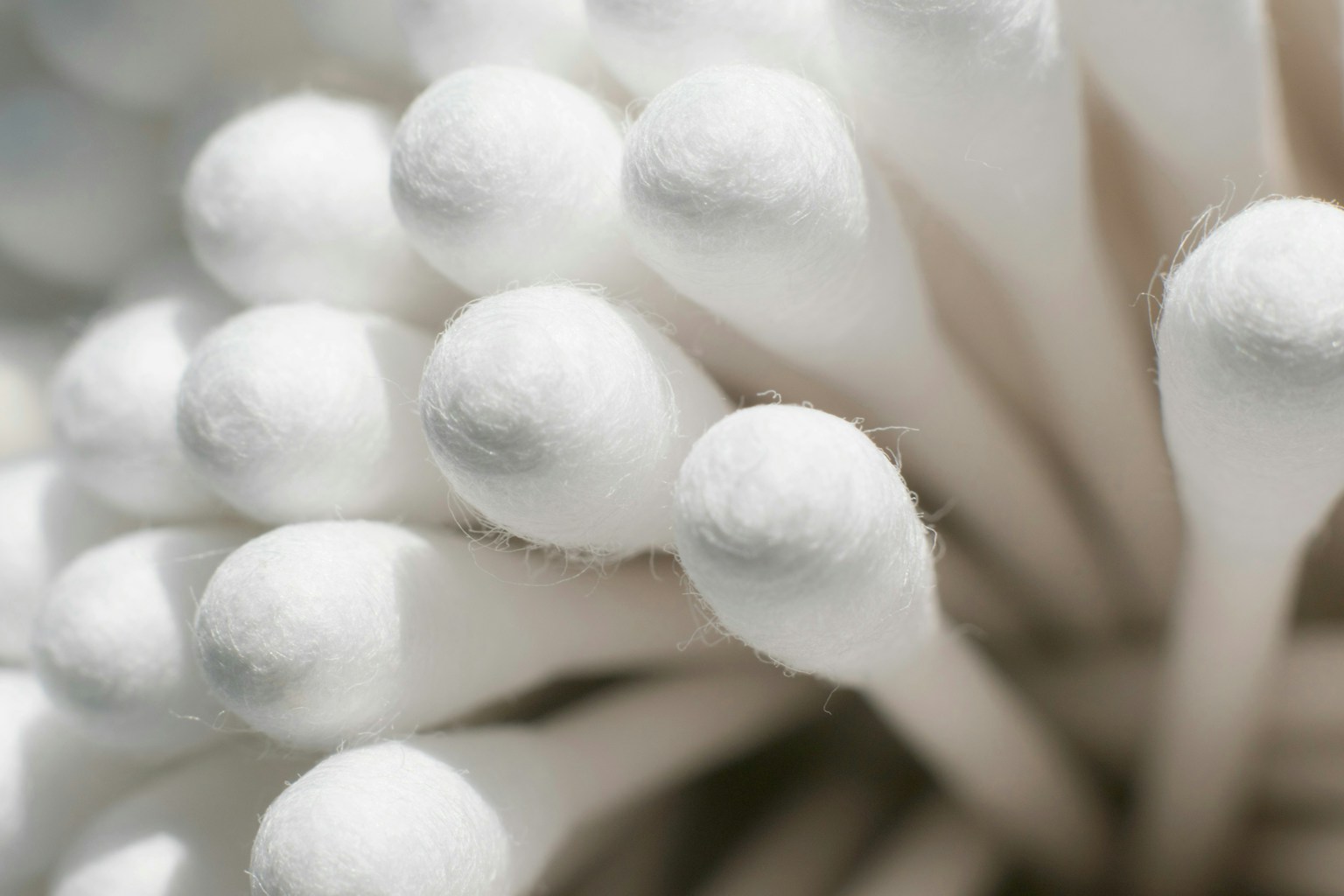
Photo by hiro
Gather Essential Items!
Having the necessary tools ready beforehand ensures smooth cleaning. Recommended items include:
- Blower: A basic tool for blowing away dust. Avoid spray types.
- Cleaning Paper: Special paper for wiping off lens oil stains.
- Microfiber or Cleaning Cloth: High-quality cloths that clean LCD screens and lenses without scratching.
- Cotton Swabs and Brushes: Handy for removing dust and dirt from small areas.
These items are easily available at camera shops or online. Silicone blowers are particularly recommended for beginners. By gathering the minimum necessary items, effective cleaning becomes possible.
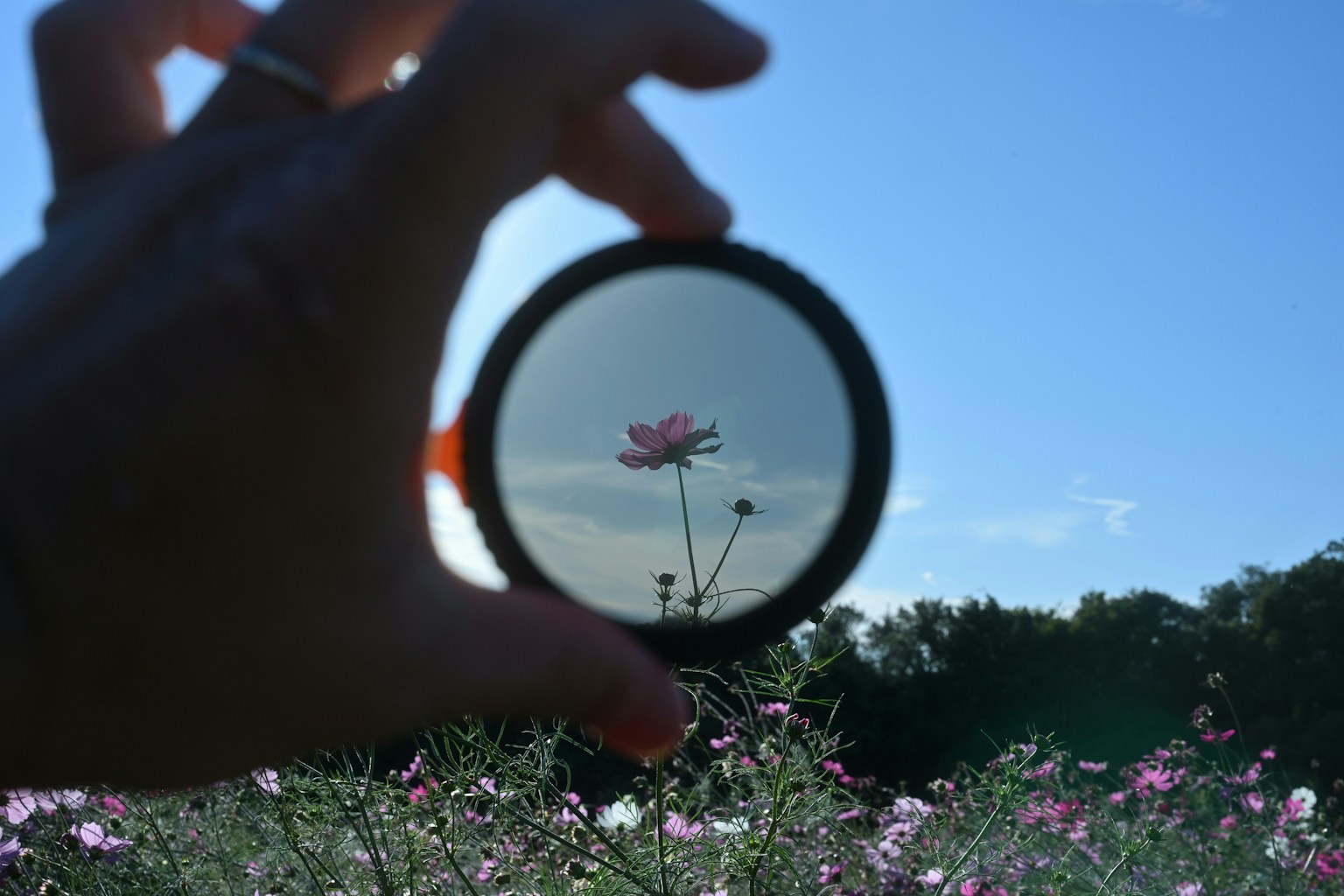
Photo by masa
Master the Cleaning Steps!
Cleaning your camera and lenses can be done efficiently by following the correct order.
- Check the Exterior: Look for scratches or damage. Pay special attention to the smoothness of moving parts.
- Remove Dust: Use a blower to blow away dust from the entire surface. Gently clean small areas with a brush.
- Clean the Lens: Remove dust from the front and rear elements with a blower. Wipe gently in a circular motion with cleaning paper, and finish with a cloth.
- Viewfinder and LCD Screen: Wipe the surface with a cleaning cloth. If heavily soiled, use a small amount of lens cleaner.
Regularly performing these steps helps keep your camera in excellent condition.
Photo by RYUURI
Handle the Image Sensor with Care!
Dust on the image sensor can appear as black spots in your photos. Follow these steps to clean it carefully.
- Hold the camera facing down and gently blow away dust with a blower.
- If dirt remains, it's recommended to use the manufacturer's cleaning service.
The image sensor is a particularly delicate part. If you're unsure about cleaning it yourself, it's best to leave it to a professional.
Regular camera maintenance not only keeps it clean but also extends the life of your beloved equipment and is key to taking the best photos. Gather your tools and develop a habit of cleaning with the correct procedures. Through regular inspections, enhance your photography life!