"Focus Stacking" is a technique that expands the possibilities of macro photography by capturing subjects with astonishing clarity. This time, we introduce the basics of focus stacking along with shooting and editing tips. Aim for beautifully detailed photos and unleash your creativity!
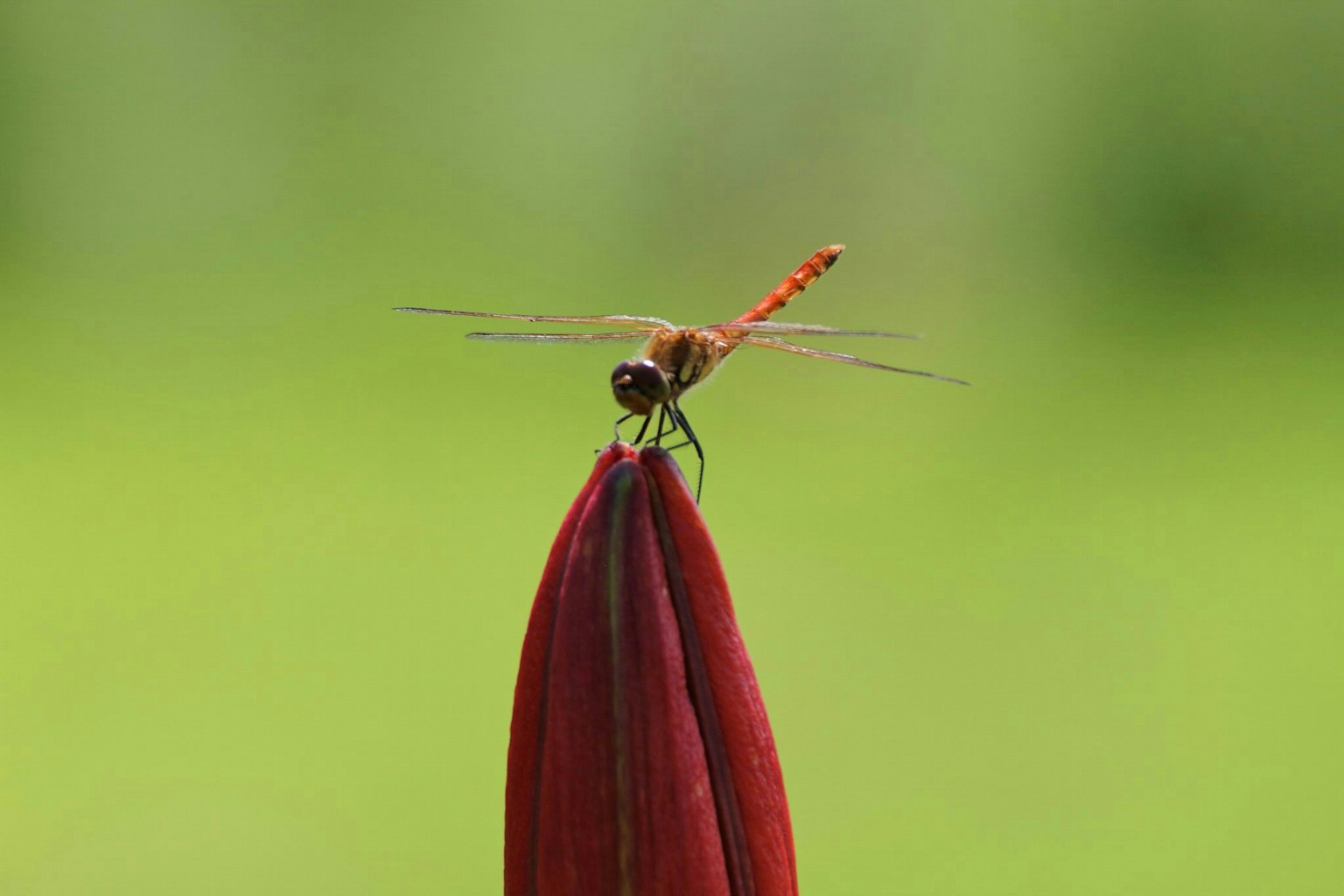
Photo by dupond50
What is Focus Stacking?
In macro photography, the depth of field is often very shallow, which can result in only part of the subject being in focus. "Focus Stacking" solves this by combining multiple photos taken at different focal distances to create an image that is sharp throughout.
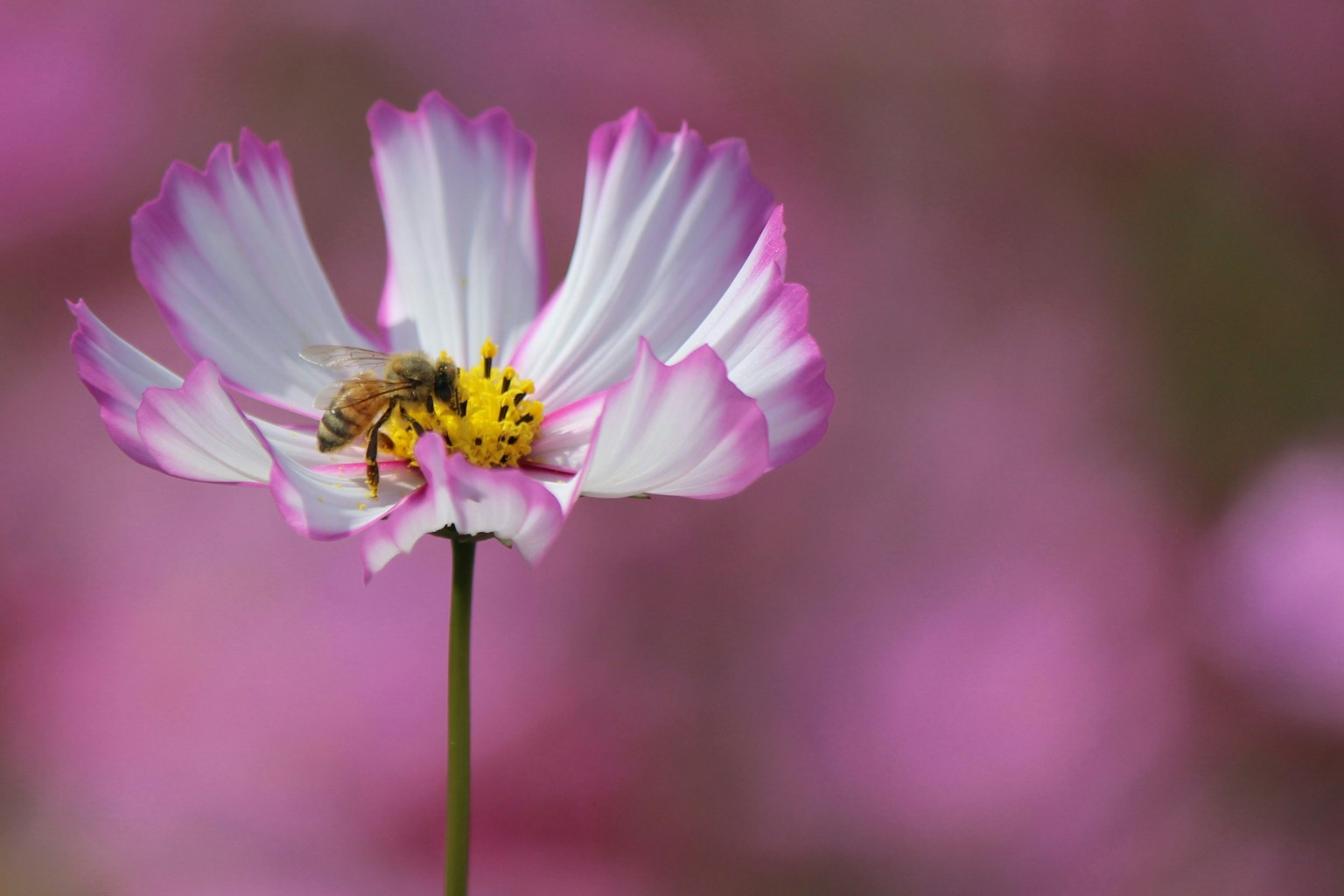
Photo by yuko.
This technique can be achieved more easily and precisely by utilizing the focus bracketing feature of the latest cameras (such as the Canon EOS R series) or by using focus rails.
Preparation and Steps for Smooth Shooting
To perform focus stacking, first prepare a tripod and focus rail. Using the rail allows for fine focus adjustments, enabling even shooting of the entire subject. Set the shooting mode to aperture priority (Av) and the aperture value to f/11–f/22.
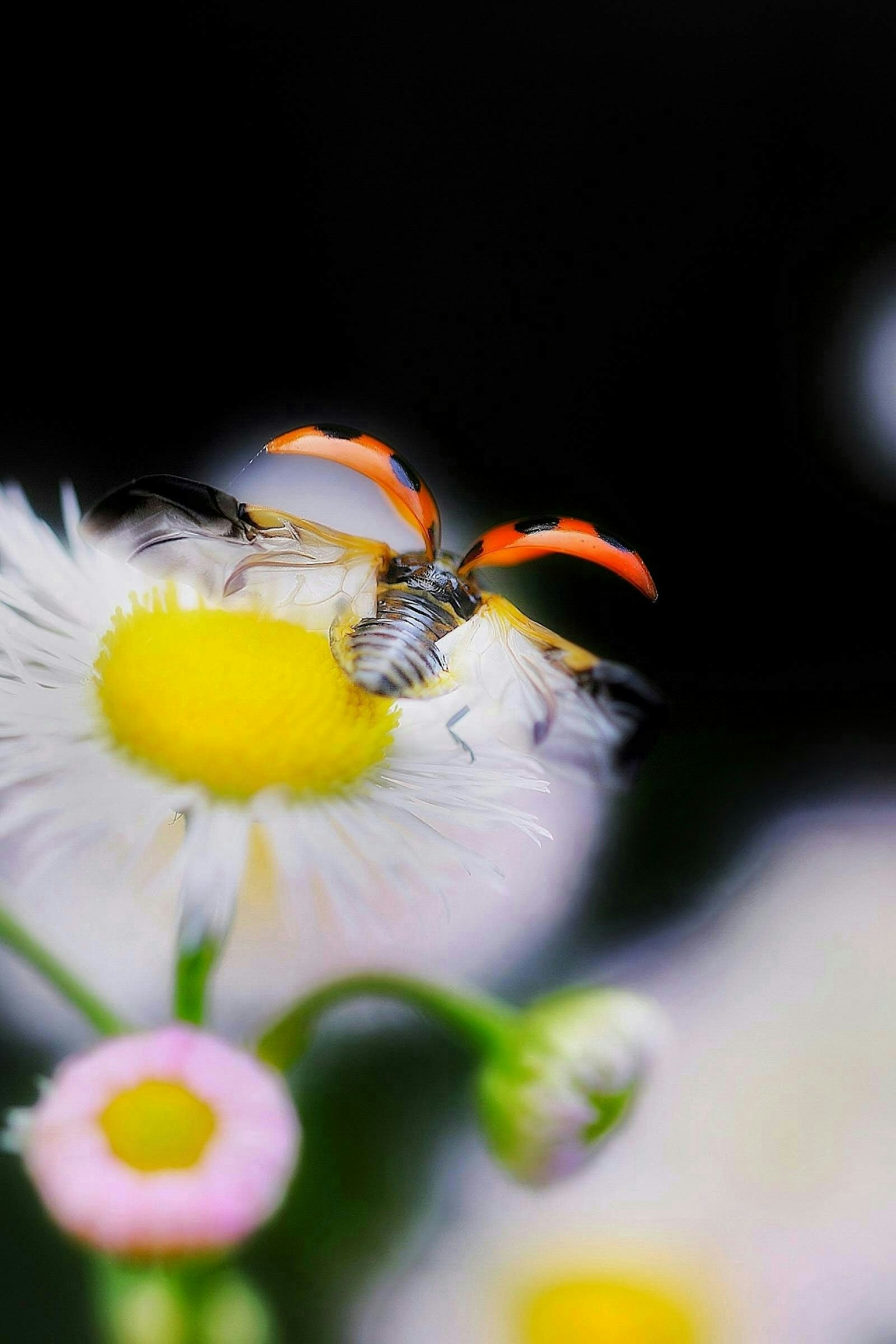
Photo by chiyochan
This ensures adequate depth of field while improving accuracy during composition. It is also important to secure the subject firmly before shooting. For lightweight subjects like flowers, using a soft clamp is recommended.
Creating the Ultimate Shot through Editing
After shooting, combine the images using editing software. When using Adobe Photoshop, first load multiple images as layers, then apply "Auto-Align" and "Auto-Blend".
This integrates only the sharp parts of each photo, resulting in a detailed and clear image. If the images are too large, reducing their size before composition can make editing smoother.