In today's world where smartphone photography is mainstream, the Halide camera app for the iPhone 16 series continues to evolve. By utilizing the new 'Camera Control' button on the iPhone 16 Pro and Pro Max, users can achieve finer exposure adjustments and focus operations, making it an ideal tool for creators aiming for professional results.
This time, we introduce the new features from this latest update and practical ideas to further enjoy photography.
Master Exposure and Focus Control
One of the standout features of Halide 2.17 is the manual adjustment of exposure and focus using the camera control button. Exposure compensation can be adjusted from -6 to +6 in 0.1 EV increments, covering three times the range of the standard iPhone camera app.
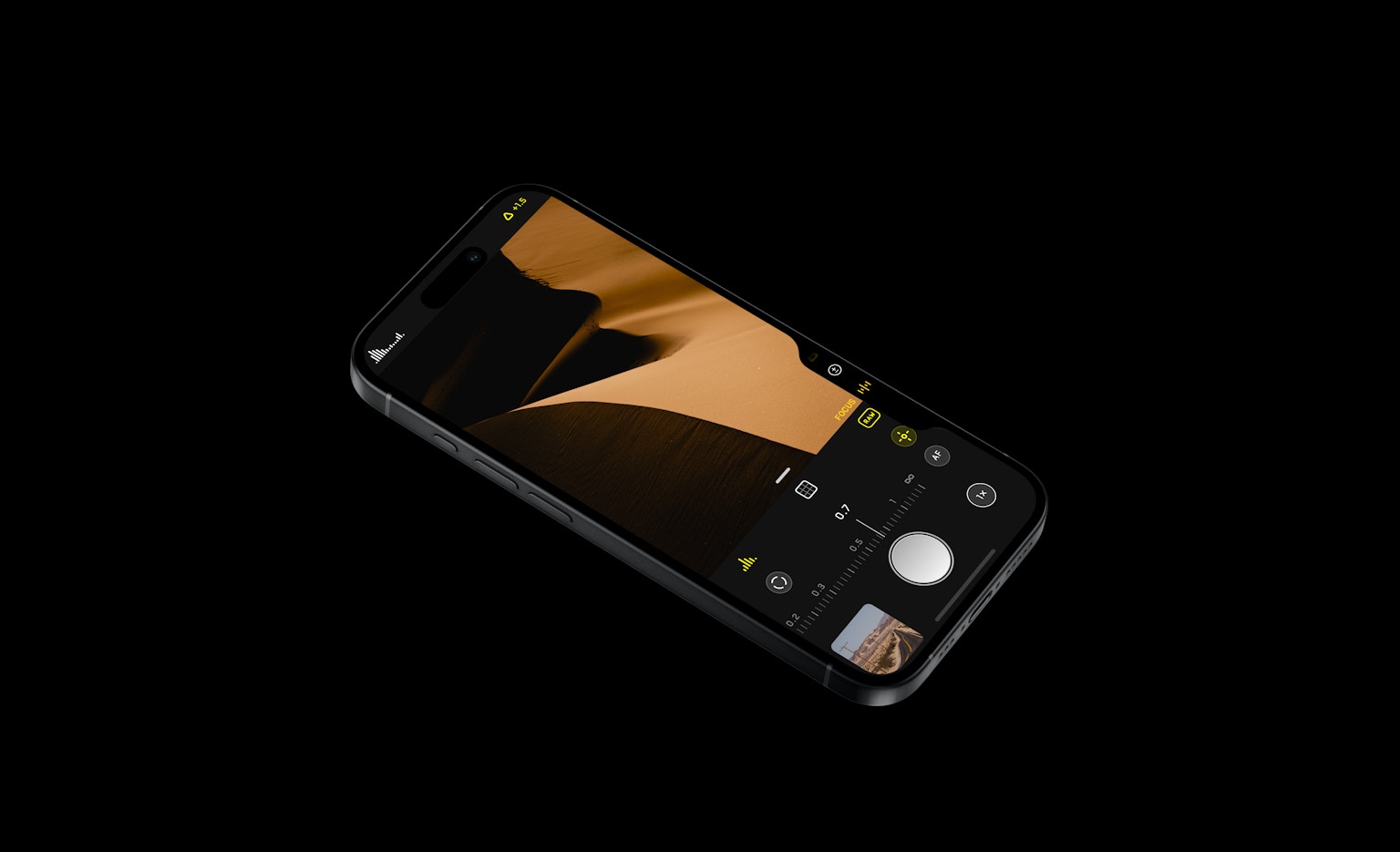
Focus can also be precisely set in 0.02 increments, and if you don't want to focus on a specific subject, the 'Lock' feature prevents unintended adjustments. This allows for meticulous creation, expanding creative possibilities.
Never Miss a Moment with Quick Snap
Quick Snap, combining the 48MP sensor of the iPhone 16 Pro with Zero Shutter Lag, ensures that the moment you press the shutter button, the photo is captured, so you never miss fleeting moments or action scenes.
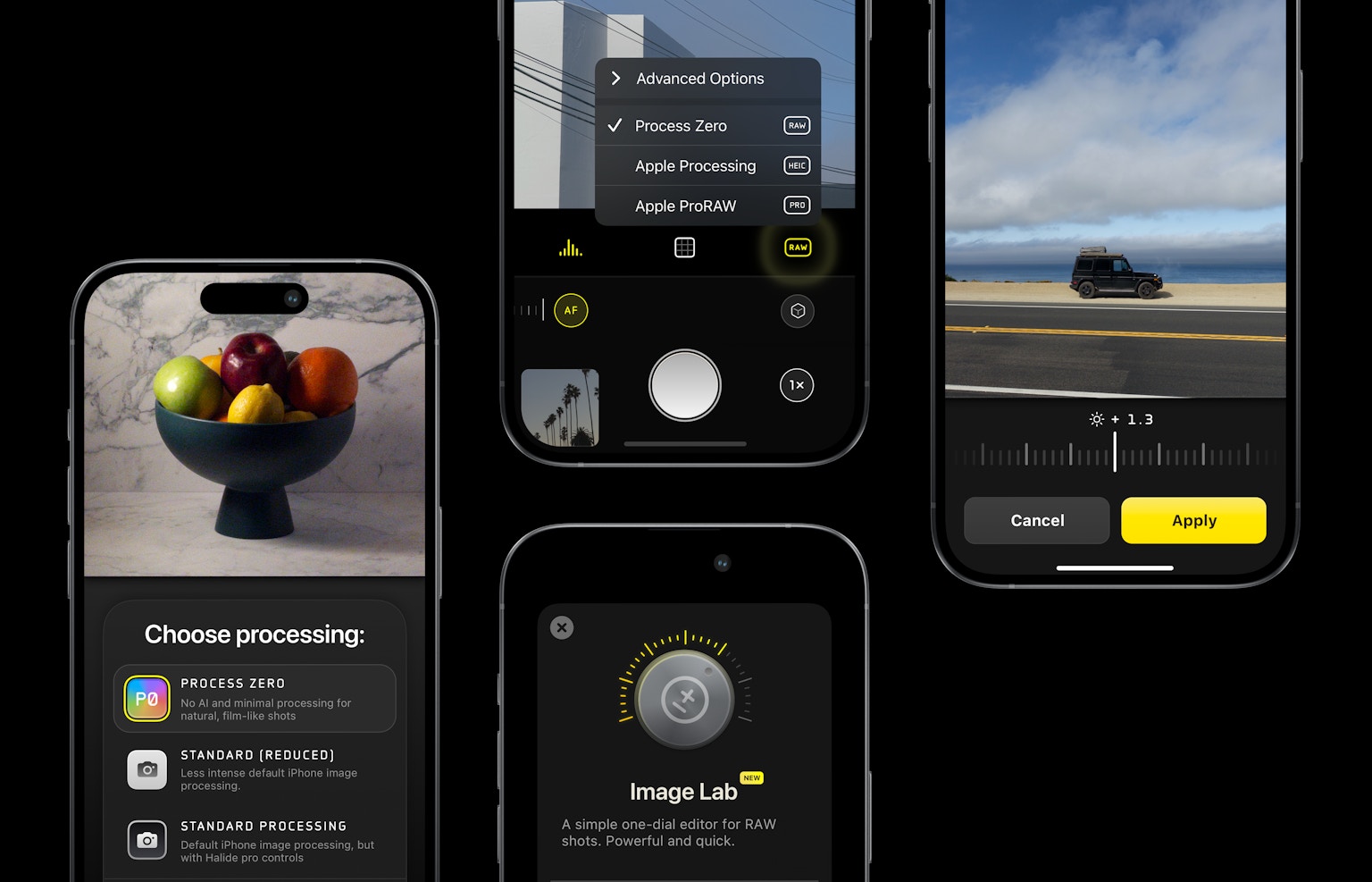
This feature is versatile, from everyday snapshots to professional shooting scenes, especially powerful in situations demanding fast shutter speeds. Additionally, the 'Process Zero' mode provides 12MP images with reduced AI processing, appealing to photographers who value natural colors and textures.
Unleash Creativity with Shooting Ideas
By enjoying customization according to the subject or scene using Halide's advanced camera control features, you can achieve photographic expressions that stand out. It's great to challenge creative expressions by significantly changing exposure to emphasize the contrast between light and shadow. Portrait photography with a blurred background using focus adjustments is also recommended.

Maximize the use of Halide to capture the world from your unique perspective.