For creators involved in photography, managing documents like portfolios and contracts is a significant challenge. Sharing in PDF format while maintaining image quality is essential.
Utilizing PDF editing software like UPDF allows for easy creation and editing of portfolios and contracts, with the added benefits of AI brainstorming and OCR features. This article introduces how to use UPDF specifically for creators and its advantages.
© Superace
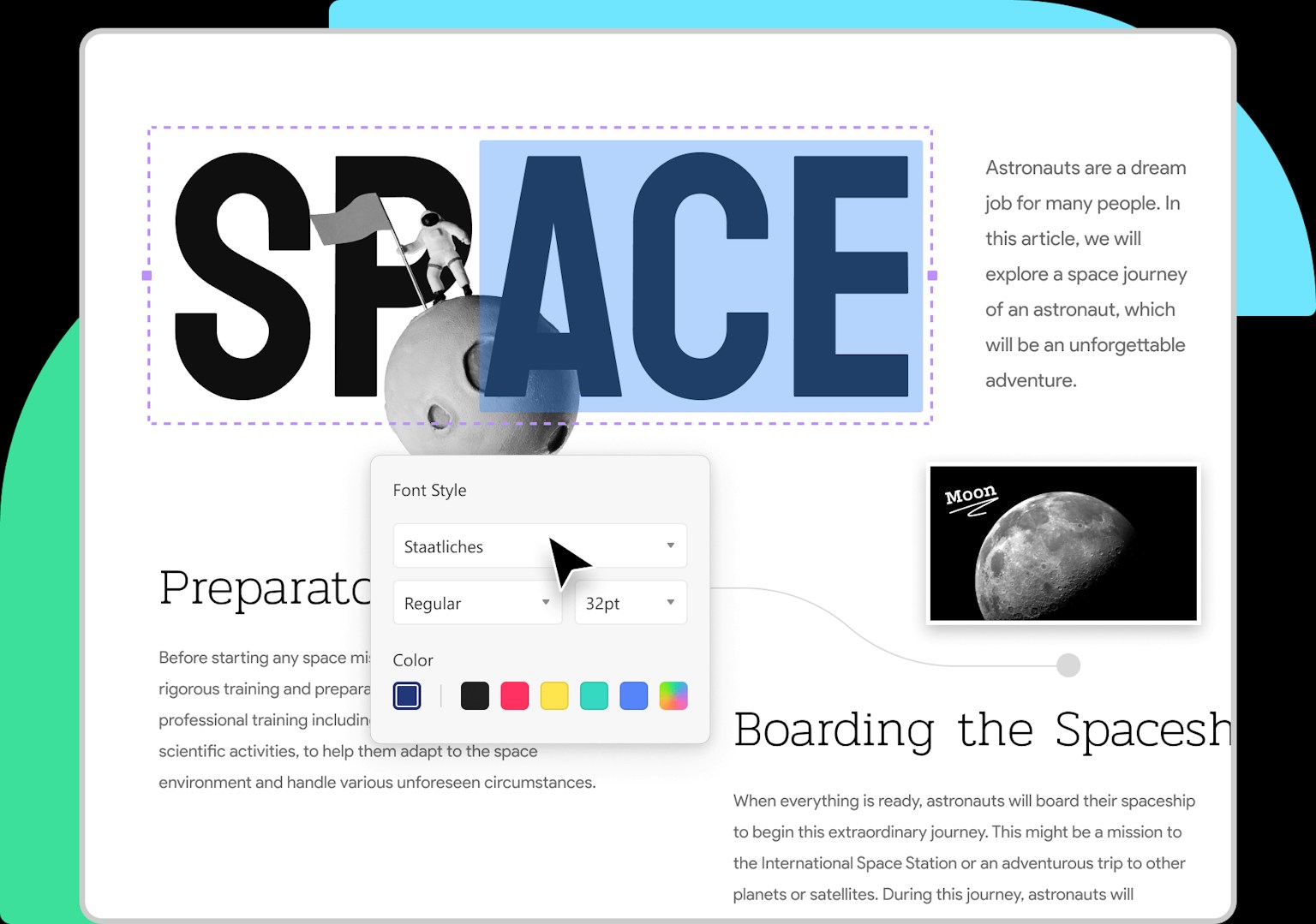
Easily Edit and Create Portfolios
Many creators may compile their works into a portfolio in PDF format. PDF is ideal for sharing as it preserves the colors and layout of photos. With UPDF, you can not only edit PDFs but also create new portfolios from scratch. It allows flexible adjustment of images and text, maximizing the appeal of your work.
© Superace
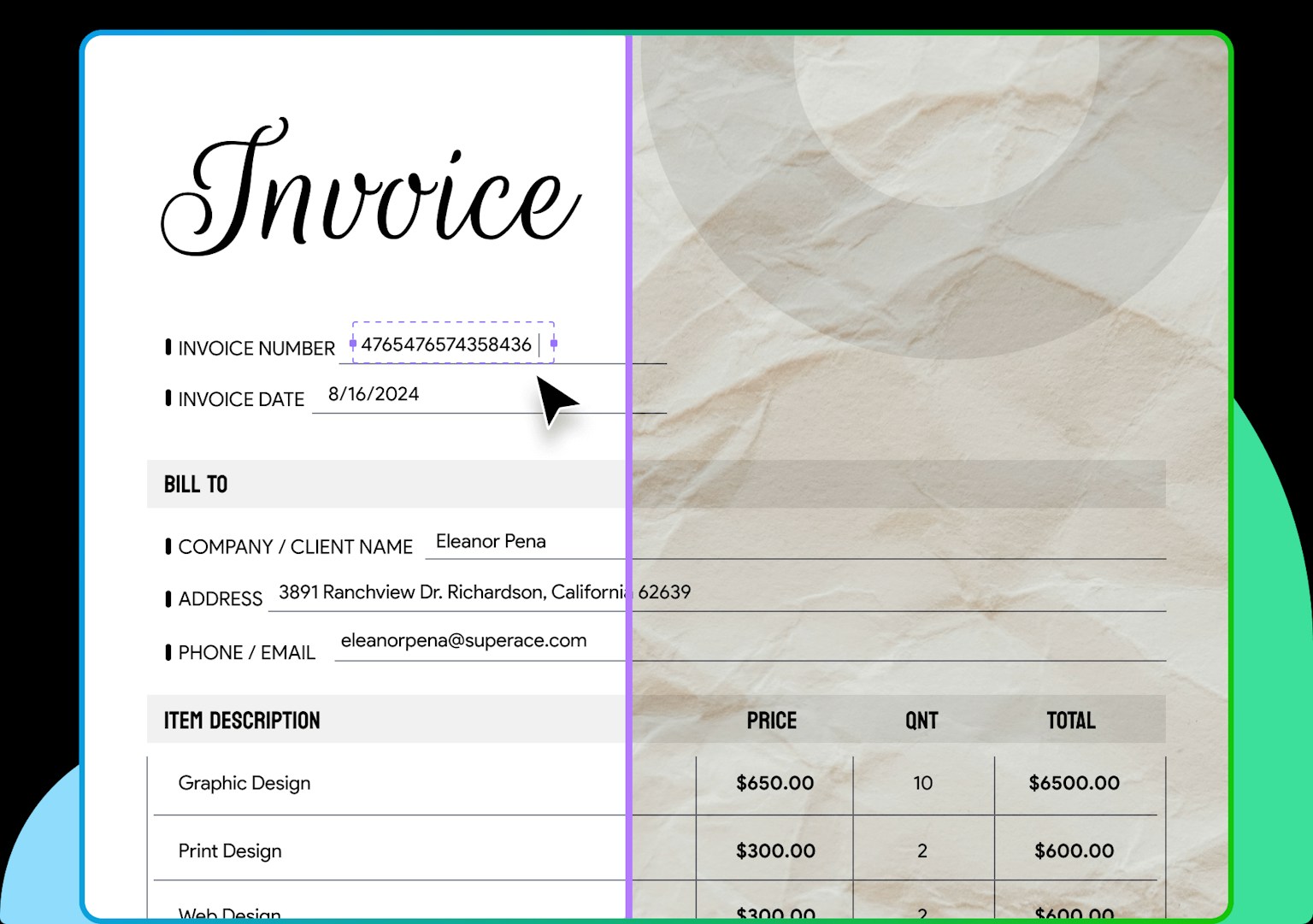
PDF Creation Using Cameras and Scanners
Creators need to compile photographed images into PDFs or scan them for PDF conversion. With UPDF, you can instantly create PDFs using a camera or scanner. Additionally, with iOS devices, you can convert photos into PDFs on the spot, creating professional materials anywhere.
© Superace
Using the OCR feature, you can convert scanned documents into text for easy editing later, enhancing work efficiency.
AI Chat Feature to Enhance Creativity
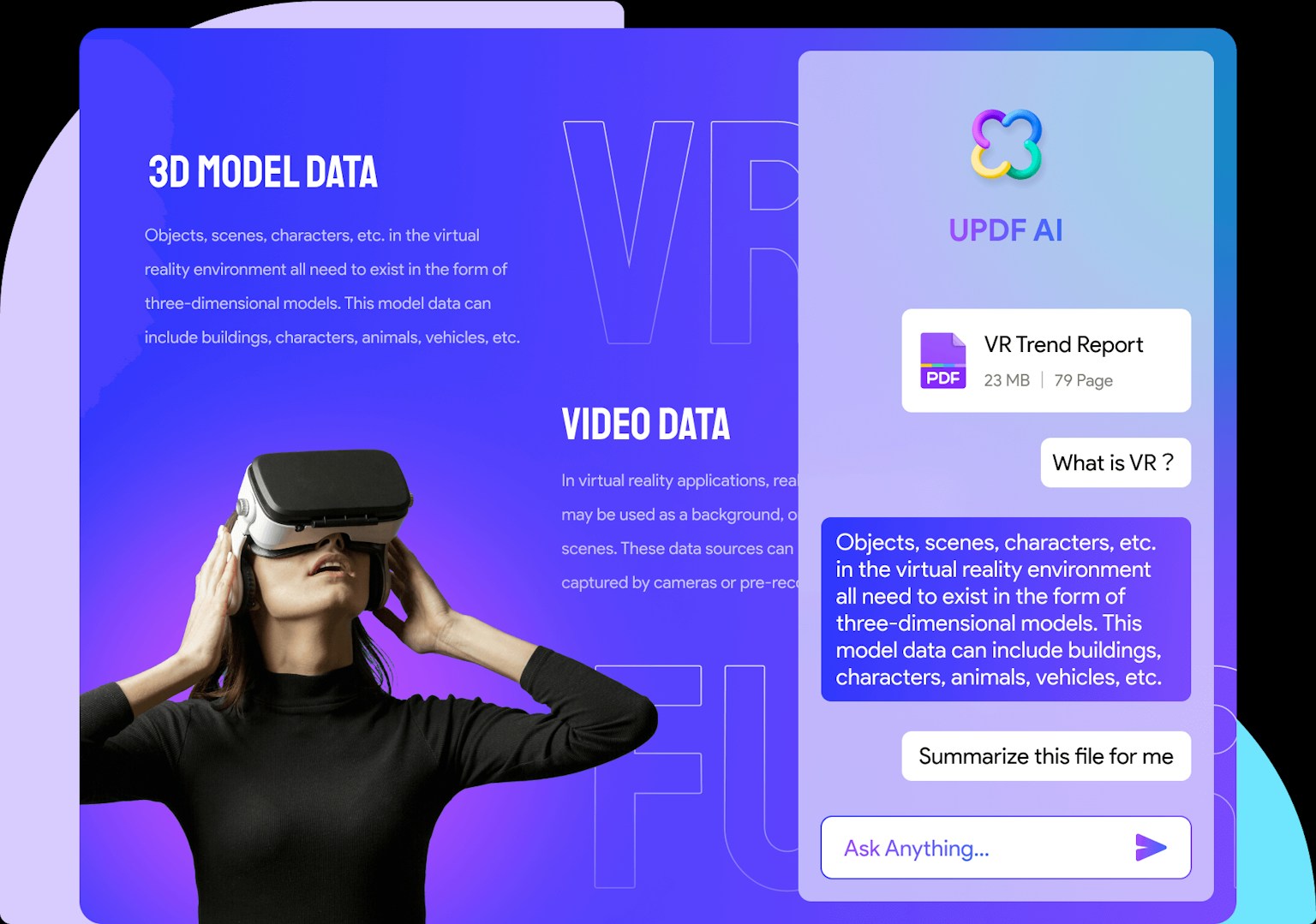
UPDF includes an AI chat feature for brainstorming photography ideas. For example, by asking questions like "What is the best time to photograph mountain landscapes?", you can instantly receive helpful advice and new perspectives.
Additionally, you can directly interact with images, making it easy to research other photographers' works. This feature is extremely useful for photographers constantly seeking new inspiration.
The PDF editor "UPDF," available from 6,300 yen per year, can be used on all devices, including Windows, Mac, iPhone, and Android. It supports multiple languages, including Japanese and Korean.