Have you ever wanted to digitize those nostalgic prints you’ve kept in albums, to share them on social media or preserve them permanently in the cloud?
There are free applications available to support the digitization of printed photographs. With these, you can easily scan and convert your photos into digital data. Here, we share small but useful tips to make your daily life more convenient.
Google PhotoScan
©︎ Google LLC
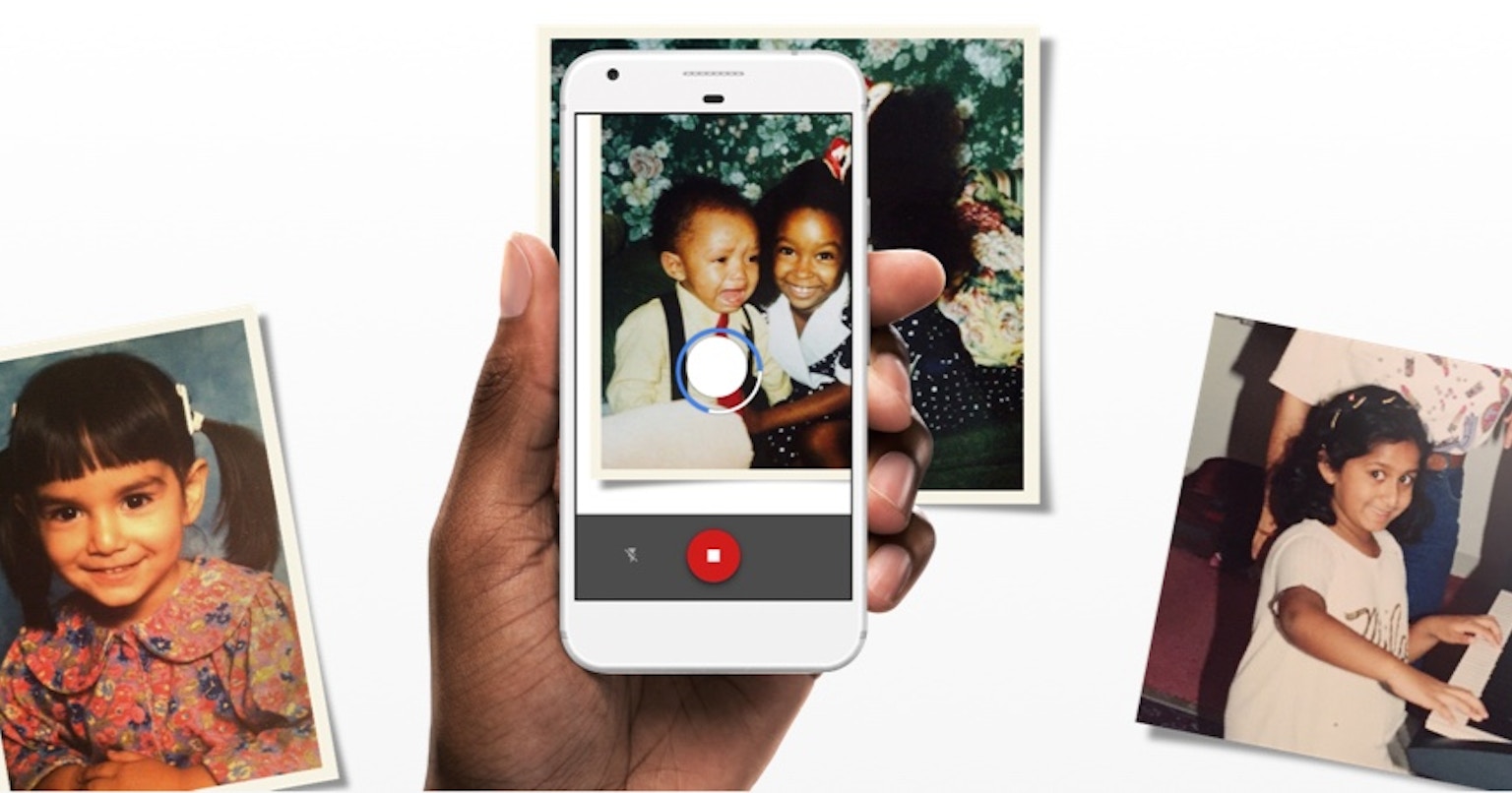
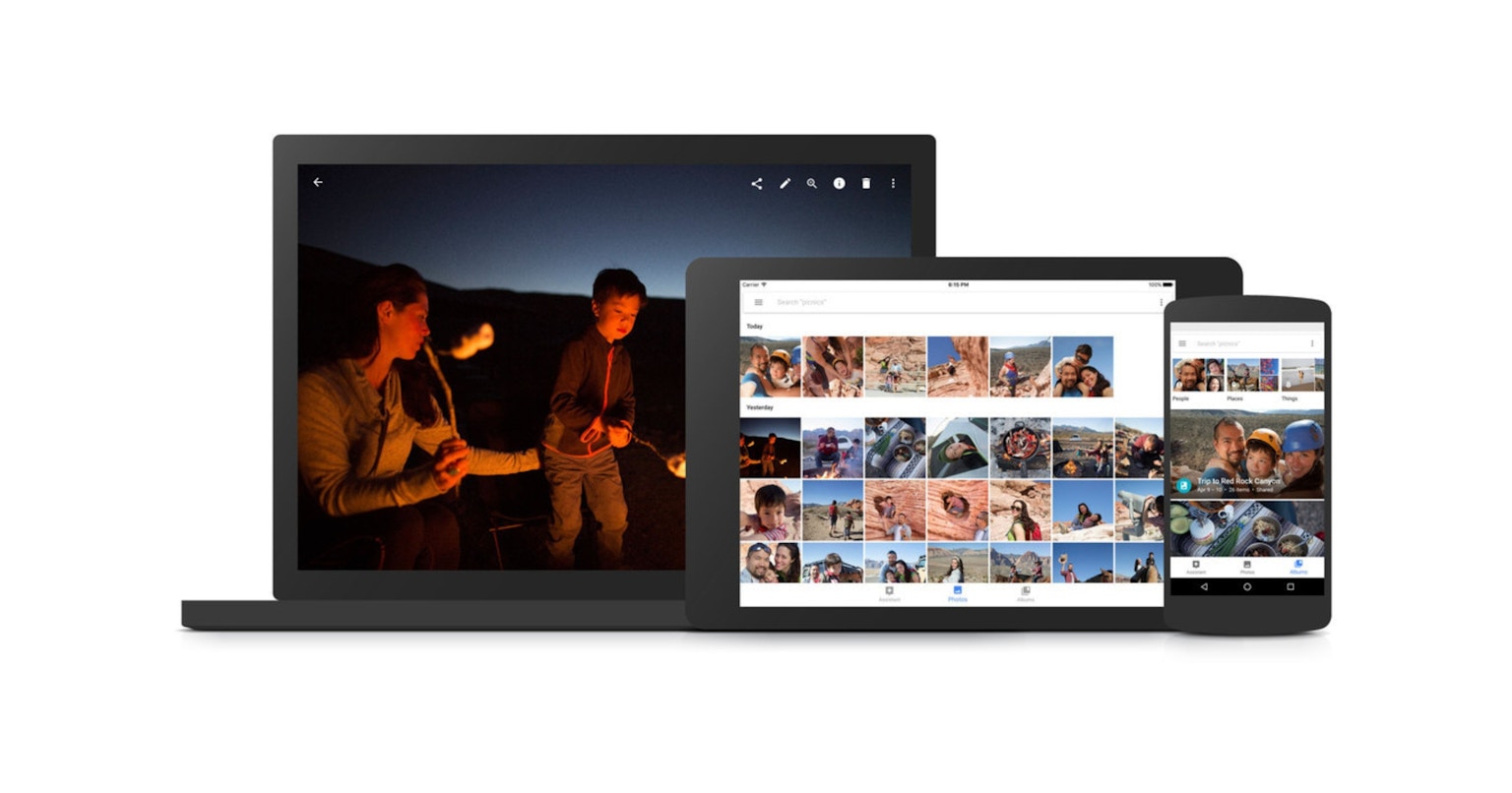
Google PhotoScan is a service integrated with Google Photos, offering not only automatic backup of your scanned images to your library but also providing a high-performance application completely free of charge. The scanning process involves taking multiple shots of the photo you wish to digitize, which are then composited to achieve the highest quality data. As a result, scanning may take a little extra time.
When you tap the scan button, four circles appear at the corners of the image—simply move your smartphone over each circle and adjust the position before capturing.
Microsoft Lens

©︎ Microsoft Corporation
Microsoft Lens is a scanning app that not only digitizes photographs but also documents and business cards. Microsoft subscription users who utilize OneDrive for backup can seamlessly upload to the cloud and export to Microsoft documents. The app is free, user-friendly, and allows you to easily scan photos by selecting photo mode, aligning your image in the viewfinder, and tapping the scan button.
Perfect Preservation: As Material and as Data
Digitize your precious memories and share them with friends and family on social media, or store them securely in the cloud. By keeping both the physical prints and their digital versions, you can ensure that your cherished moments remain accessible and memorable for years to come.